Position Learning and suction forcing
This screen is locked and can be accessed only at technician level "TECH".
This screen allows you to quickly learn positions by manually moving the axes once the press door is open. Also allows the forcing of suctions.
1) Learning positions :
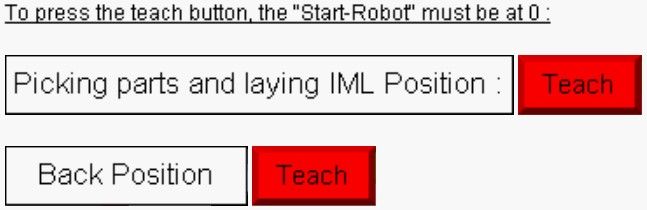
Learning the unloading position object and loading position "IML" (if "IML" option is present) in the mould by means of the "Teach" button of "Picking parts and laying IML Position".
Learning the position of the arms before entering the mould by means of the "Teach" button of "Back Position".
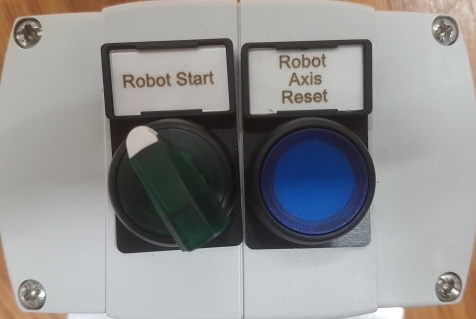
To learn the Axis position, the "start robot" selector must be inactive :
2) Learning positions Error :
If the position learned is mechanically dangerous (risk of collision), the following message will appear and the positions will not be taken into account:
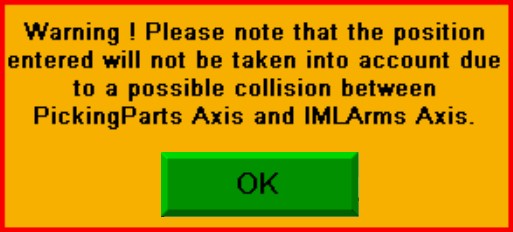
For the position "Picking parts and laying IML Position" the robot axis must be in the mould.
For the "Back Position" position, the axes must have a spacing of at least 10 mm and the positions are limited to 10 mm from the theoretical position (given by the mechanical design office).
3) Suction Forcing :
In the lower panel of the screen, the activation of the different suctions is available by means of the "F1", "F2", "F3" and "F4" keys :
To activates suctions, the "start robot" selector must be inactive :


