This screen is locked and can be accessed at operator/adjuster level "OPE" and at technician level "TECH"
This screen allows three functions:
1) Production Save :
To Save the current production, press the "SAVE" key, the machine must be started :

2) Production Change :
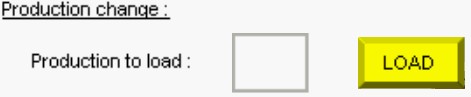
To load another production, fill in the box with the desired production and press the "LOAD" key. Then, check that the machine is not running and press the "Reset Software" key. The machine will restart with the desired production:
AND

3) Production Copy :
To copy a production, enter the number of the source production to be copied in the "Production to copy" box and enter the destination of the copy in the second "Production to copy" box. Then press the "COPY" key :


