This screen is locked and can be accessed only at technician level "TECH".
This screen allows to take the origins of the digital axes (with batteries). This method is feasible only if the machine is not rearmed and in startup state.
The axes concerned will be displayed or not on the screen, according to the options present with the machine ("IML" for example).
Push the arms on the rubber pads, ensure the contact between the rubber pad and the arm :
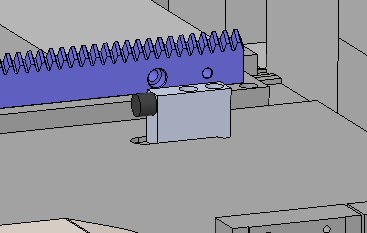
Be careful, if there is no IML Arm axis (if there is no "IML" option) put the arm in contact with the rubber pad on the stacker side :
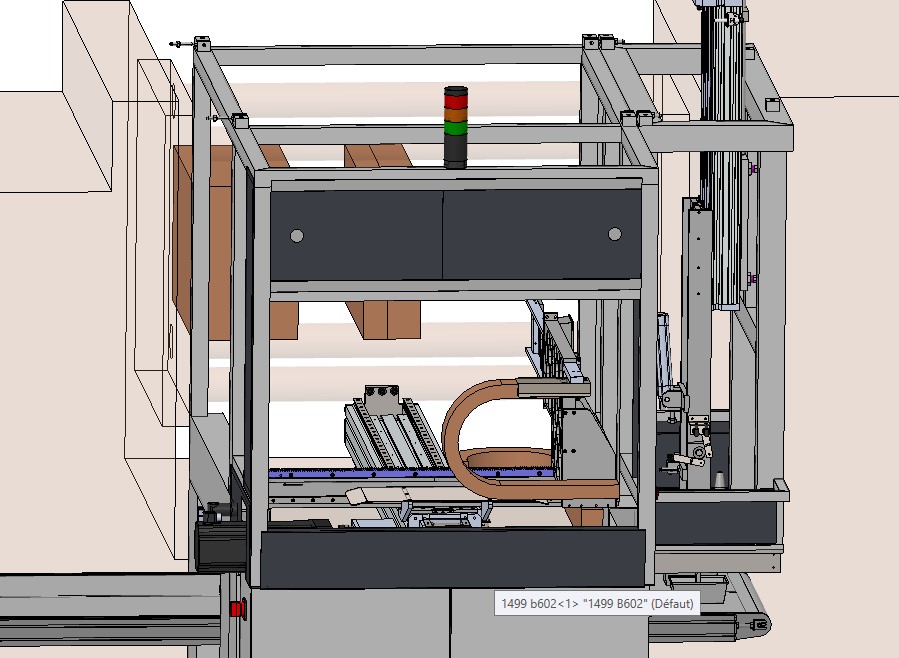
Once the arm is in position, press the "HOMING" button, then rearm the robot. As soon as the homing method is correctly realized, the indicator "HOMING required" changes to "HOMING OK":


